
Hello there!
If you've landed on this page, you're probably looking for the old Samuro webcam chat from 2003.
Yes, yes, we're still going strong and just as passionate about chatting as ever!
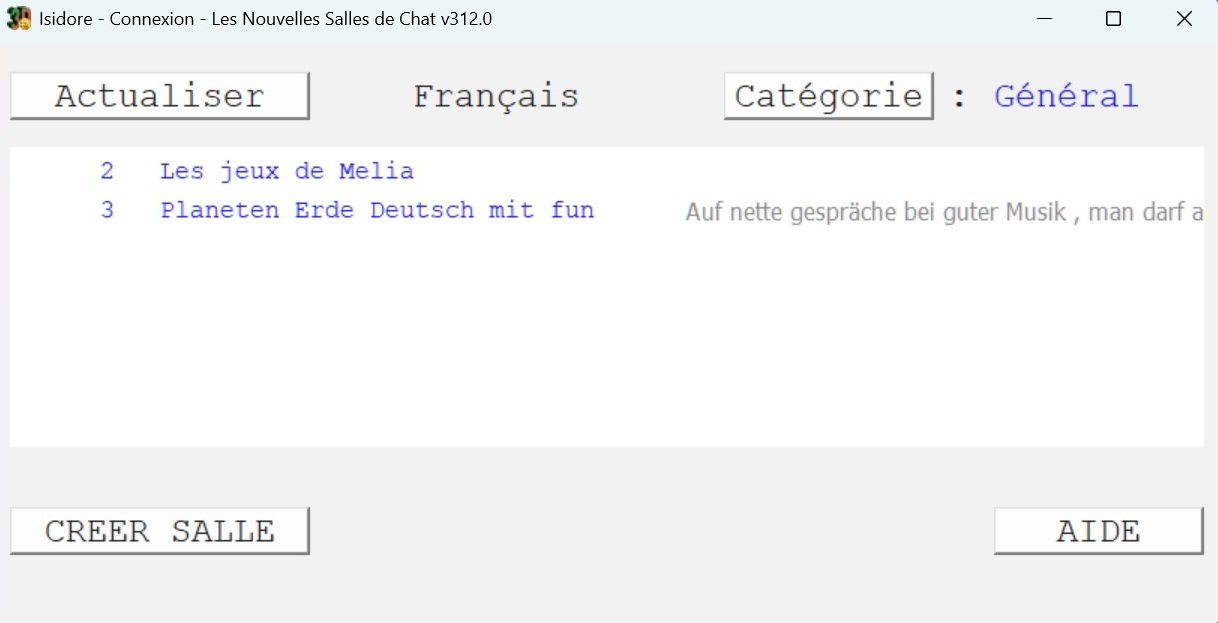
Download CHAT, our brand-new app for Windows PCs.
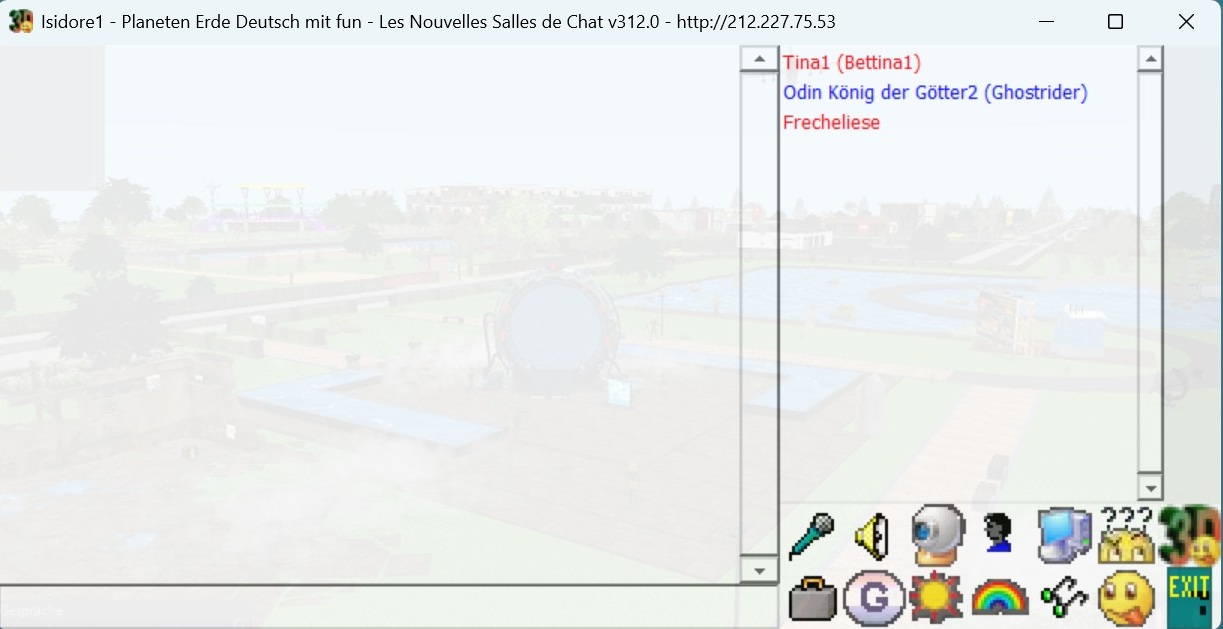
 : speak at the microphone
 : Set the volume of the sound
 : turn on your webcam
 : change your profile
 : Choose a microphone
 : browse the group/forum of the room
 : choose a webcam
 : Writing style/color
 : Font size
 : Emoticon list
 : Close
During installation, Windows may display a blue warning screen:
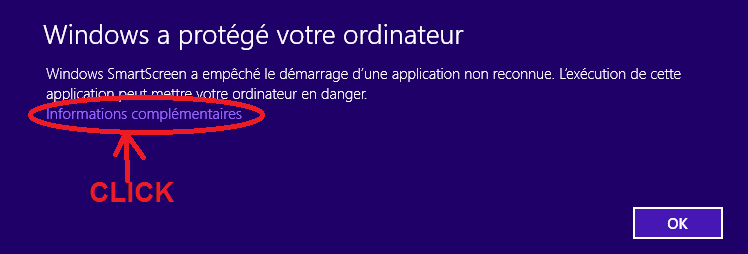
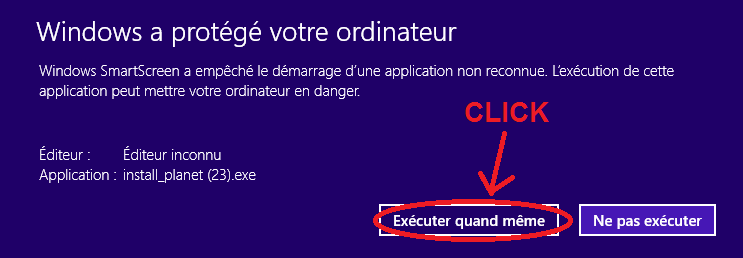
Simply click then on the "Additional information" line
and then on the "Run anyway" button.
Come and join in, it's all free and you'll have lots of fun 
You can also leave us a message or a question in our forum :
http://188.165.228.219/domain4/messages.html
Want to run your own chat server?
Download CHAT SERVER
our chat server for Windows PCs.
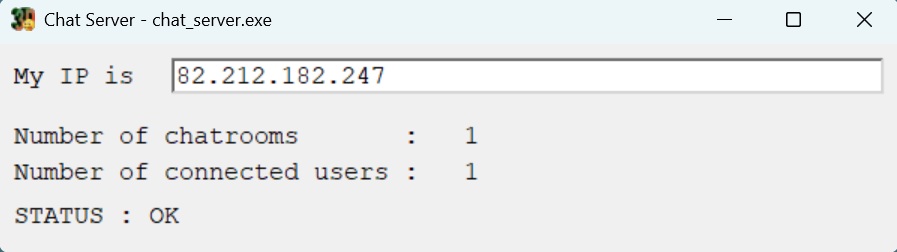
- You must have a relatively stable IP address—not one that changes every day. Or better yet, a dedicated server with a static IP.
- On your PC and router, open TCP port 80 and UDP port 13000.
- Find and write down your IP address online (for example, by visiting https://whatismyipaddress.com/)
- Ask a friend to download the chat at the top of the page and connect to your server by entering the IP address you wrote down.
- If they can’t connect (the chat says "server dead"), ask an AI how to properly open your ports.
If you like to chat in a virtual 3D world, for PC or Android, we have another website -> https://planet-samuro.com/